Many of us are still treating our home offices as an afterthought, even though it has been over 10 years since the remote workplace revolution began.
Most people spend eight hours a day staring at a wall in a room that is either freezing cold or stiflingly hot, treating discomfort as an unavoidable part of working from home. It is entirely possible to design a space that actually supports your day, without turning your house into a sterile corporate cubicle.
Making your workspace comfortable requires focusing on the physical environment first. When you control the light, air, and layout, the productivity looks after itself.
Optimise Your View
There is no better way to utilise natural lighting than by placing your computer at a 90-degree angle to a window. This will allow you to benefit from all of the advantages of natural sunlight while keeping direct sunlight out of your eyes or causing severe glare on your screen.
If you continue to experience glare on your screen during peak sun hours, there are ways to minimise it by using high-density thermal blinds. It will help diffuse the intense sunlight, but will prevent your space from being completely dark. Place your monitor so that the top of the screen is directly at eye level. Doing this will protect your neck muscles from straining and also reduce eye strain at the end of a long call-filled afternoon.
Mastering the Microclimate
A room that is too hot can ruin focus faster than having a noisy neighbour. Maintaining a usable home office space through summer requires planning ahead for maintaining both heat and ventilation, especially if your laptop fan is blowing at its highest setting.
Using an open window may simply let in the outside noise along with excess humidity. Installing an air conditioning unit will give you complete control over the immediate microclimate around you, allowing for continued movement of the air and maintaining a constant temperature regardless of the time of year.
Maintaining good airflow is just as important as controlling the temperature. Leave interior doors slightly ajar to promote cross-ventilation throughout your house.
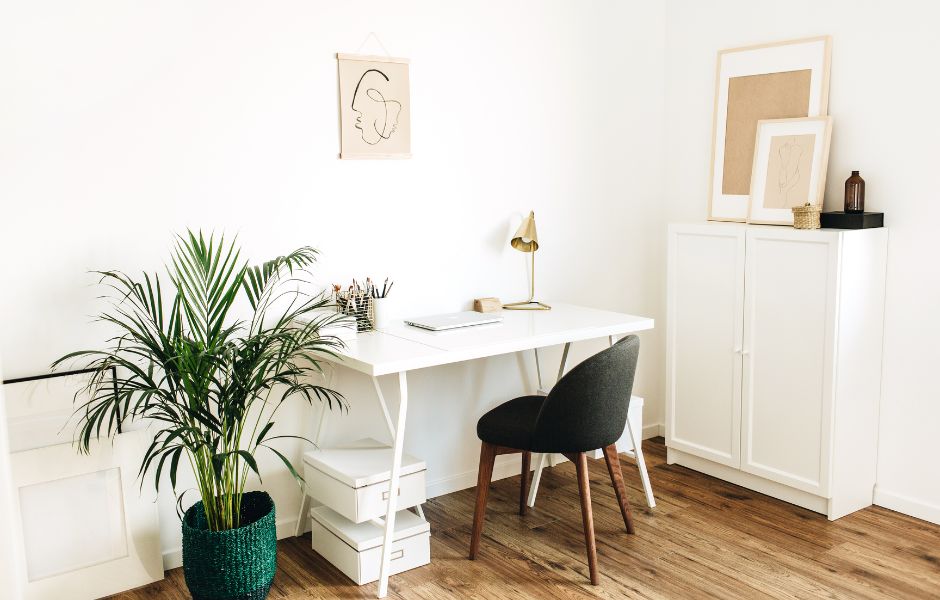
Adding large leafy plants such as ferns will increase the moisture content of the air, which in turn promotes better humidity levels within your space while providing a beautiful addition to the aesthetic of your room.
Create a Calm Environment
Visual distractions can be just as distracting as loud noises. Your visual environment should provide feelings of calmness and stability, providing psychological boundaries between where you go to work and your personal living space.
Use a plain, solid colored wall or arrange books neatly on a bookshelf behind you when doing video calls. Having a neat view behind you creates confidence professionally, eliminates the stress of cleaning up before every meeting, and reduces daily friction.
For acoustic comfort, lay down a thick area rug and hang heavy curtains. These textiles absorb the hollow echo common in spare rooms, making your voice sound rich and clear on digital calls.
A truly functional home office is a fluid space that adapts to how you actually work.
Focus your efforts on the major structural elements first—the air quality, the light angles, and the physical layout. Once you establish these environmental foundations, staying focused and comfortable throughout the working week becomes entirely effortless.